What Is a JSON Formatter and Why Developers Rely On It
JSON is the lingua franca of APIs, but raw JSON from a server is often a single unreadable line. A JSON formatter turns that wall of text into something you can actually work with — and does far more than just add whitespace.
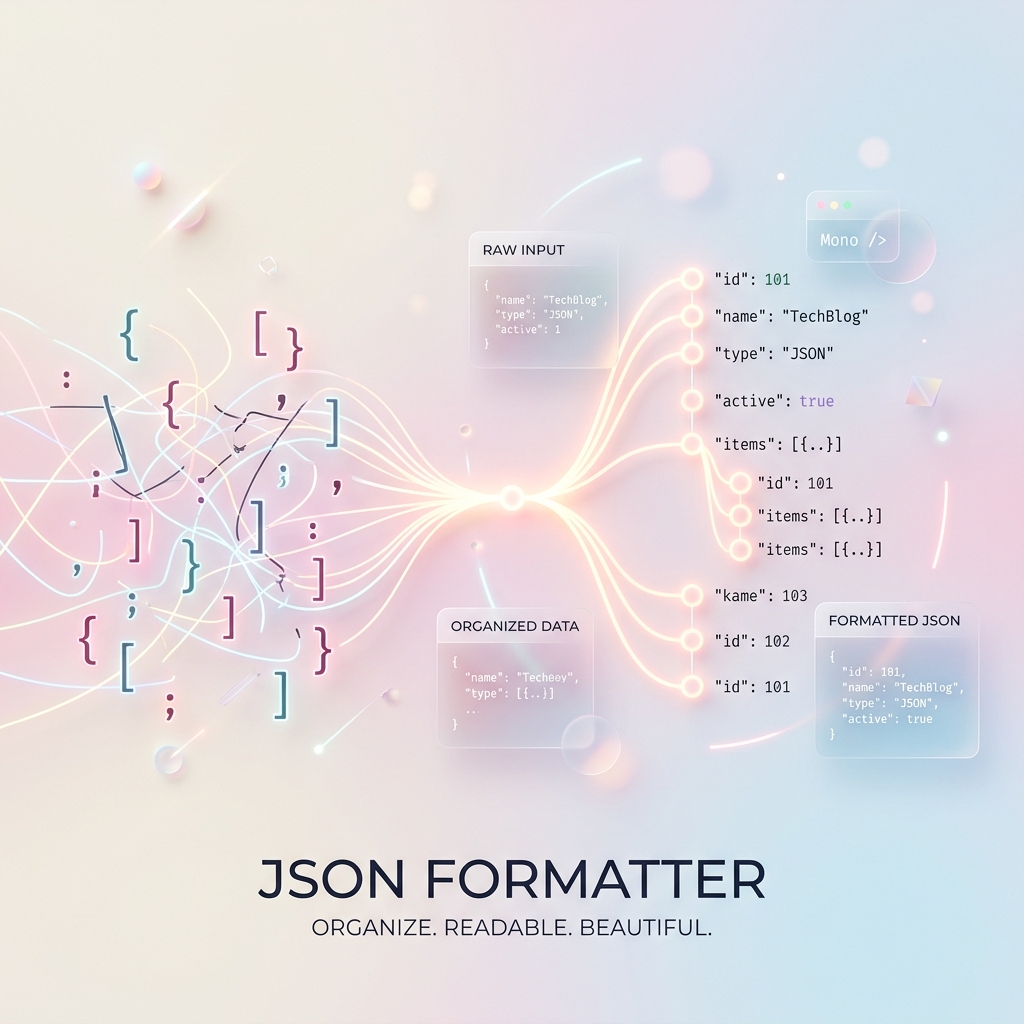
Key takeaways
- Formatting adds indentation so nested structures become readable.
- Validation catches syntax errors like trailing commas instantly.
- Minification strips whitespace to shrink payloads for production.
- Browser-based formatters keep sensitive data on your device.
From a wall of text to readable structure

APIs typically return JSON minified into one long line to save bandwidth. That's efficient for machines but painful for humans. A formatter (also called a beautifier) parses the data and re-prints it with consistent indentation and line breaks, revealing the nested hierarchy of objects and arrays at a glance.
Suddenly you can see which fields belong to which object, spot missing values, and understand an unfamiliar API response in seconds instead of minutes.
Validation catches errors before they bite
A good formatter is also a validator. It parses your JSON against the strict specification and flags problems — a trailing comma, an unquoted key, a mismatched bracket — with the exact line where things break. This turns cryptic runtime failures into obvious, fixable issues.
For anyone hand-editing config files or crafting API requests, this instant feedback is a genuine time-saver.
Minify for production, and keep it private
The reverse of formatting is minification: stripping every unnecessary space and newline to make payloads as small as possible for production. Most formatters offer both directions with a single click.
Because JSON often contains sensitive data — tokens, personal info, internal IDs — prefer a browser-based formatter that processes everything locally rather than sending it to a server.
Gowtham
Solo developer and creator, writing clear guides and building tools so you always have current, trustworthy content.