What Is Base64 Encoding? A Complete Beginner's Guide
Base64 is one of those quietly essential technologies that powers email attachments, data URLs, API tokens and more. Yet many developers use it every day without really understanding what it does. This guide demystifies Base64 from first principles.
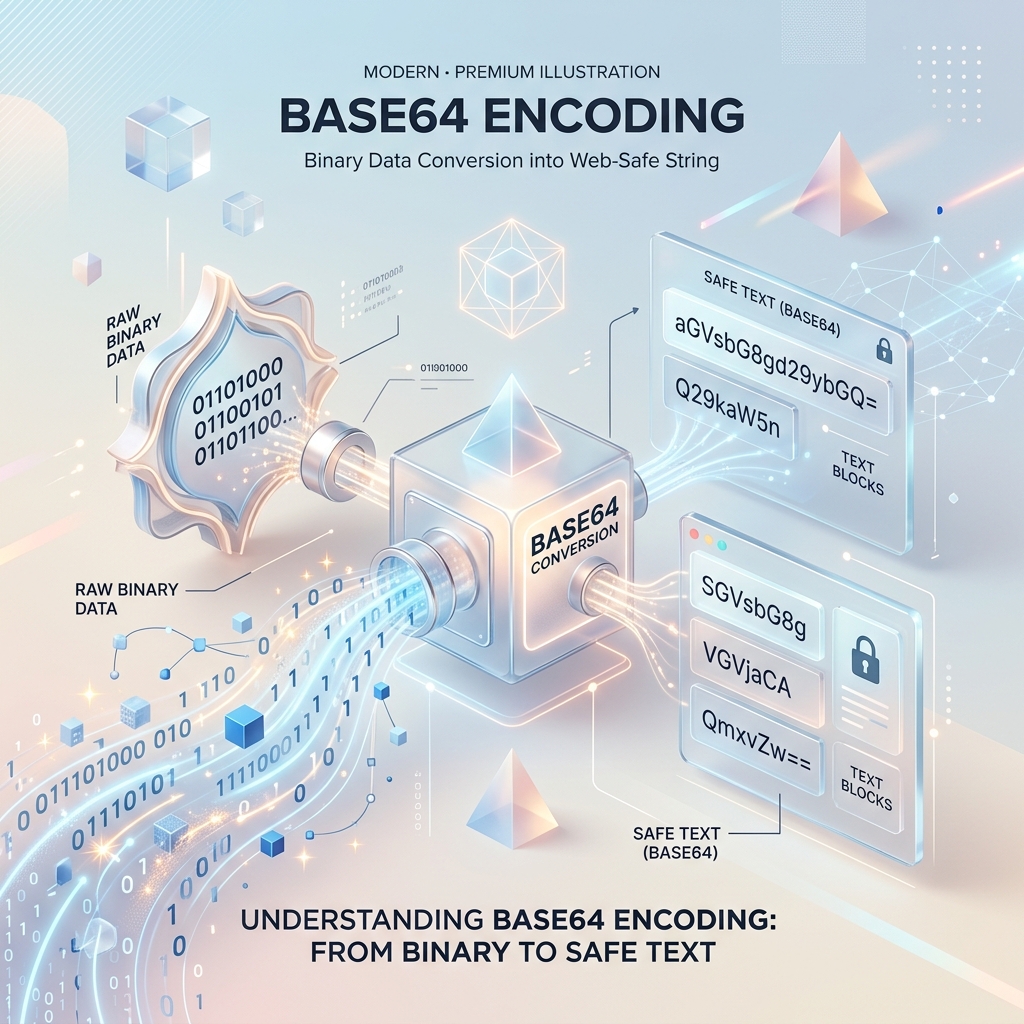
Key takeaways
- Base64 encodes binary data as 64 safe, printable ASCII characters.
- It is encoding, not encryption — it provides zero security on its own.
- Expect about a 33% size increase compared to the raw binary.
- It is ideal for embedding small assets and moving data through text-only channels.
What problem does Base64 solve?

Many systems — email, URLs, JSON, XML — were designed to carry text, not raw bytes. When you try to push binary data such as an image or a file through them, characters can get mangled, truncated or misinterpreted. Base64 solves this by translating any binary data into a limited set of 64 characters that every text system understands: A–Z, a–z, 0–9, plus '+' and '/'.
The result is data that looks like gibberish text but survives any journey a plain-text channel can throw at it, then decodes back to the exact original bytes on the other side.
How the encoding actually works
Base64 takes your data three bytes (24 bits) at a time and re-slices those 24 bits into four groups of six bits. Each six-bit group has 64 possible values (2⁶), which maps neatly onto the 64-character alphabet. When the input isn't a clean multiple of three bytes, one or two '=' padding characters are added at the end.
Because four output characters represent every three input bytes, encoded data is roughly 33% larger than the original. That overhead is the price you pay for text safety.
When to use it — and when not to
Base64 shines for embedding small assets directly in HTML or CSS via data URLs, attaching files to emails, and passing binary tokens through headers. It keeps everything self-contained and text-safe.
It is a poor choice for large files, where the 33% bloat hurts, and it is never a security measure — anyone can decode Base64 instantly. If you need confidentiality, encrypt first, then encode if a text channel requires it.
Gowtham
Solo developer and creator, writing clear guides and building tools so you always have current, trustworthy content.