



Video to Images
Frames, audio & media tools
Video to Images is a set of video and image tools that run entirely inside your browser. Extract frames from a video as JPG, PNG or WebP images, save a video's audio as MP3, and compress, crop or resize both videos and images. Because processing happens locally on your device, your files are never uploaded.
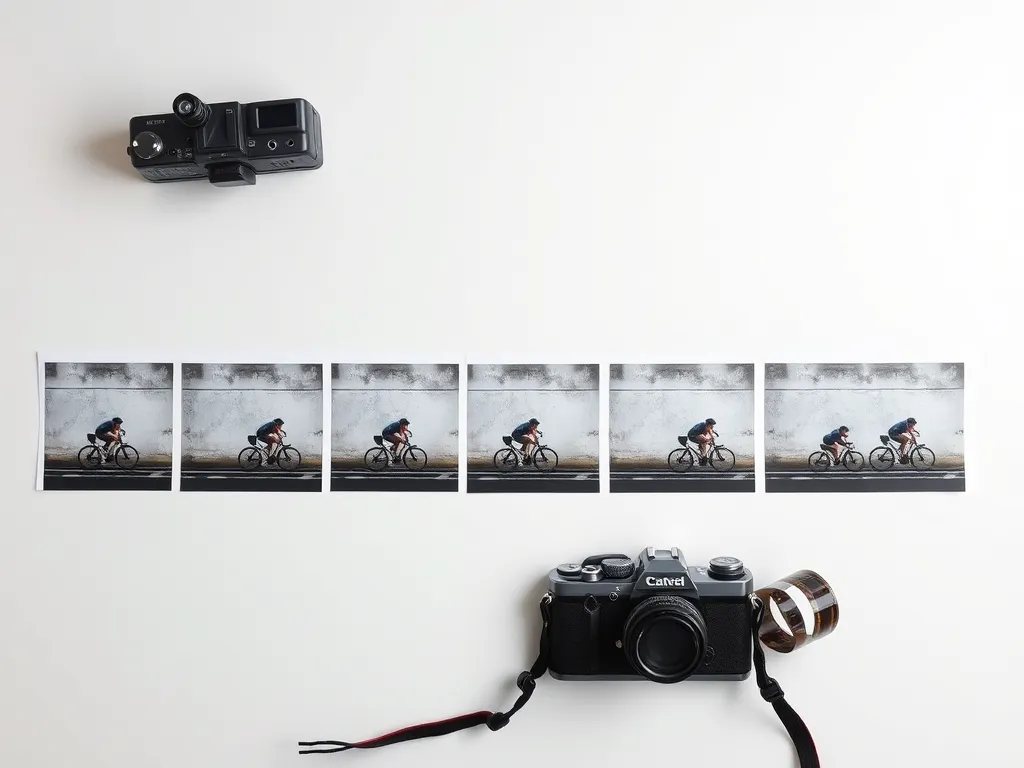
From start to finish in 4 simple steps
No learning curve, no setup — here's exactly what happens when you use Video to Images.
Pick a tool
Choose what you need: frame extraction, video to MP3, or compress, crop and resize for video and images.
Add your file
Drop a video or image into the tool — it loads instantly and stays on your device, never touching a server.
Adjust settings
Set the frame rate, output format, quality or dimensions to match what you need.
Download the result
Save the frames, audio or converted file straight to your device with no watermark.
Everything Video to Images gives you
Extract image frames from any video, save its audio as MP3, and compress, crop or resize videos and images — all directly in your browser.
Access Tool- Extract frames as JPG, PNG or WebP
- Video to MP3 audio
- Compress, crop & resize video
- Compress, crop & resize images
Frequently asked questions
Are my files uploaded anywhere?
No. All processing happens locally in your browser, so your files never leave your device.
What formats can frames be saved in?
Frames can be exported as JPG, PNG or WebP images from MP4, WebM or MOV video.
Is there a limit?
No, you can process as many files as you need. Very large files depend on your device's available memory.
Ready to try Video to Images?
Jump straight into videotoimages.codelove.in and start using it now — it's fast, free and ready when you are.
Access Tool