


What Is a GLB File? 3D Models for the Web Explained
If you have downloaded a 3D model recently, there is a good chance it ended in .glb. The format has quietly become the standard way to move 3D models between tools and onto web pages. Here is what it is and why it took over.
Key takeaways
- GLB is the binary, single-file version of glTF 2.0, an open standard.
- One file holds the mesh, materials, textures and animations.
- It is built for real-time use, so files stay small and load fast.
- Browsers, 3D editors and game engines can all read it.
glTF and GLB in plain language
glTF is an open, royalty-free format for 3D scenes and models, maintained by the Khronos Group. A plain glTF model is usually several files: a JSON file describing the scene, a binary file with the geometry, and separate image files for the textures.
GLB is the same data packed into one binary container. Nothing is lost and nothing is added — it is simply easier to share, because there are no loose texture folders to forget or links to break.
What is inside a GLB
A GLB can carry everything a model needs: the mesh (its triangles), the materials that describe how surfaces react to light, the texture images, and optionally a skeleton and animation clips for characters that move.
Two numbers tell you most of what you need to know before using one: the triangle count, which affects how heavy the model is to draw, and the file size, which affects how long it takes to download.
Where GLB files work
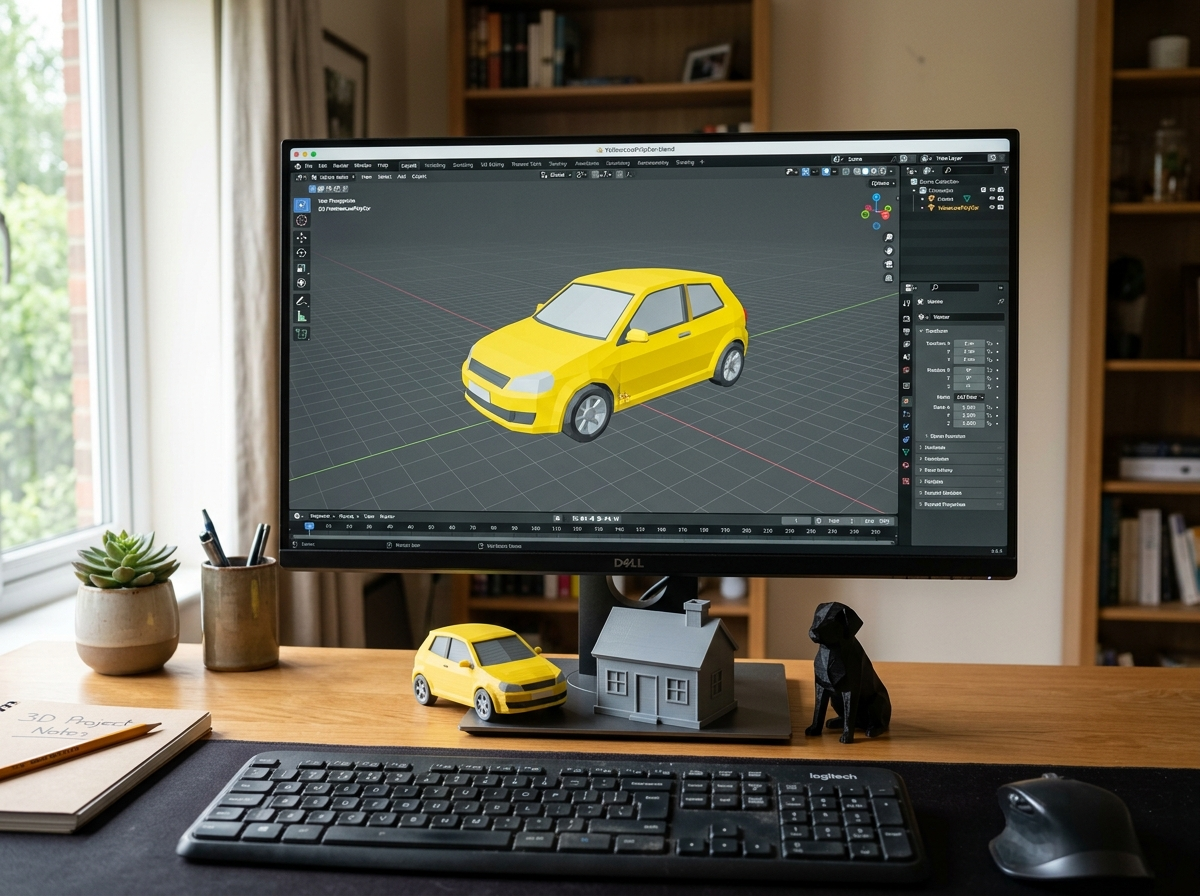
Because glTF is an open standard, support is wide. Web libraries such as three.js load GLB directly in the browser, 3D editors such as Blender import and export it, and game engines read it either natively or through an importer.
That makes it a safe choice when you do not yet know where a model will end up: the same file can be previewed on a web page today and dropped into a game project tomorrow.
Try it with a real model
The easiest way to understand the format is to open one. Every model in the CodeLove 3D Models library is a single .glb file with its textures inside, and each model page shows a live 3D preview next to its triangle count, size and licence.
Pick something simple, rotate it in the viewer, then download it and open it in your own tool. Once you have seen one file travel from a web page into your project, the format stops being mysterious.
Gowtham
Solo developer and creator, writing clear guides and building tools so you always have current, trustworthy content.