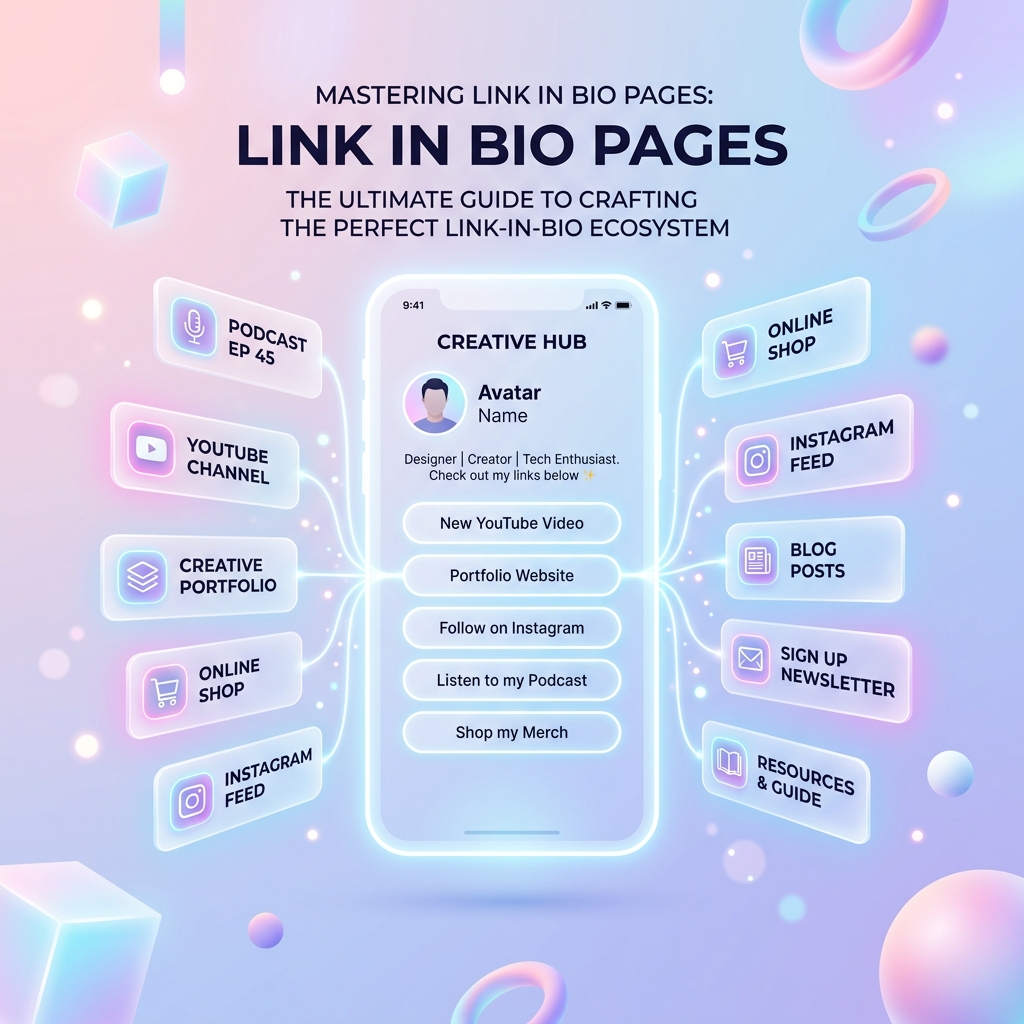



What to Put on Your Link in Bio Page (and What to Leave Out)
A link in bio page can hold as many links as you like, which is exactly the trap. The pages that work are the ones that make a visitor's next step obvious within a couple of seconds.

Key takeaways
- Lead with the one thing you most want visitors to do.
- A handful of clear links beats a long list.
- Label links by what the visitor gets, not what you call it.
- Review your click numbers and prune what nobody taps.
Start with one priority
Decide what you want most this month — a new video watched, a product bought, a newsletter joined — and put that link first. People tap the top of a list far more than the bottom, so the order is doing real work.
When your priority changes, move the link. That is the whole advantage of a bio page: you update one place and every profile that points to it is current.
Keep the list short
Every extra link makes the others a little less likely to be chosen. Most pages are well served by three to six links plus a row of social icons.
Old campaigns, finished giveaways and last year's event should come off. A short, current page looks more trustworthy than a long, stale one.
Write labels people understand
A label should say what the visitor gets. Watch my latest video or Shop the summer collection tells them more than a bare brand name or an internal project title.
Add a clear profile picture, your name and a one-line bio so people are sure they have landed in the right place.
Let the numbers decide
Guessing which links matter is unnecessary when you can see the clicks. Link in Bio shows how many views your page gets and how often each link is tapped.
Check it every few weeks. Promote what performs, rewrite what does not, and remove what nobody uses.
Gowtham
Solo developer and creator, writing clear guides and building tools so you always have current, trustworthy content.